Version 1.0 Now Available

Find and Remove Duplicate, Similar & Blurry Photos

SweepPix is a free duplicate photo finder for Windows that helps you quickly find duplicate, visually similar, and blurry photos. Clean up unwanted images, organize your photo library, and free up valuable disk space — safely and privately.

Free to use · Works offline · Your photos stay private
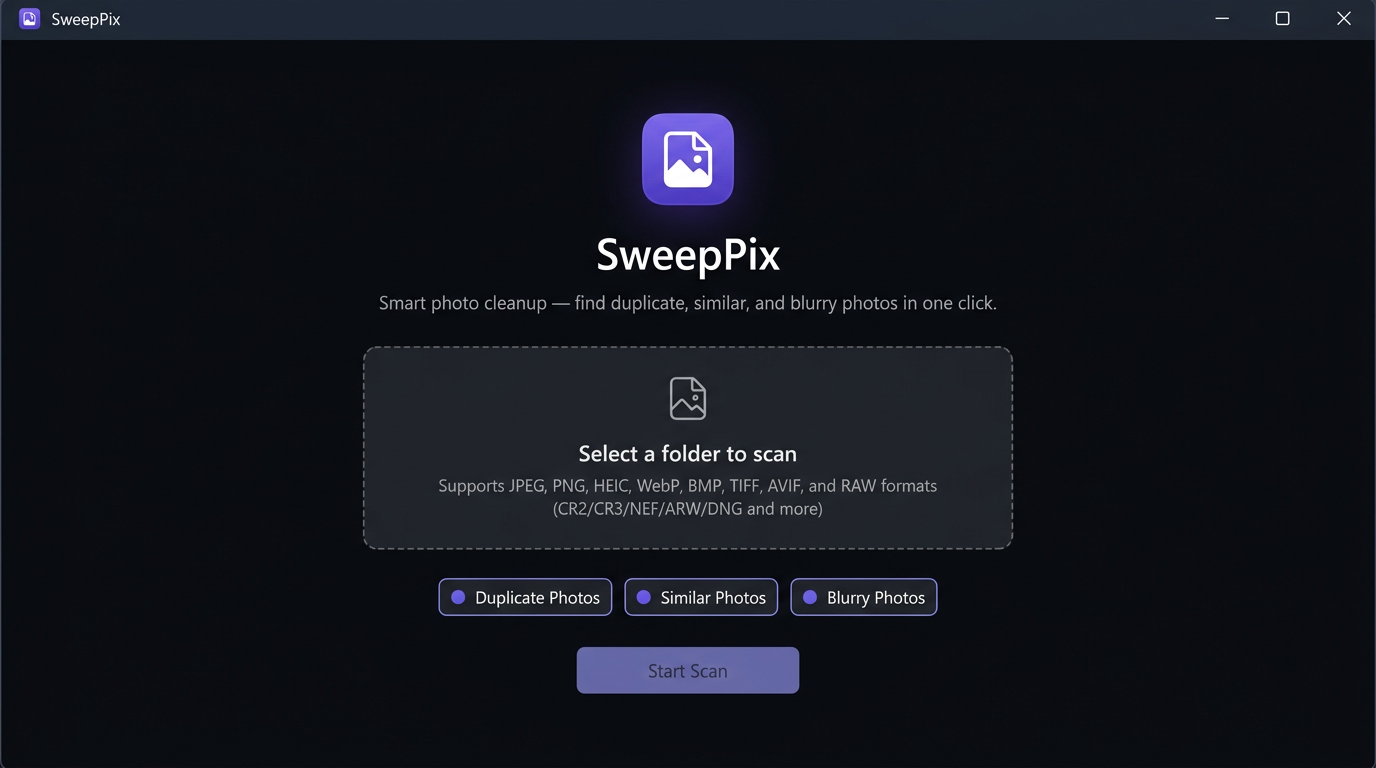
SweepPix welcome screen for selecting folders and photo detection options

Everything You Need to Clean Up Your Photos

From exact duplicates to visually similar and blurry images, SweepPix uses intelligent image analysis to help you find the photos you no longer need.

Find Duplicate Photos

Quickly detect identical or duplicate photos, even when they are stored in different folders. Review them before deleting anything.

Find Similar Photos

Discover visually similar photos and repeated shots, making it easier to choose the best one and remove the rest.

Find Blurry Photos

Identify blurry or low-quality photos that may no longer be worth keeping.

Smart Recommendations

SweepPix helps you review groups of similar images and makes photo cleanup faster and easier. You always stay in control of what gets deleted.

See SweepPix in Action

A simple, modern interface designed to make photo cleanup fast and easy.

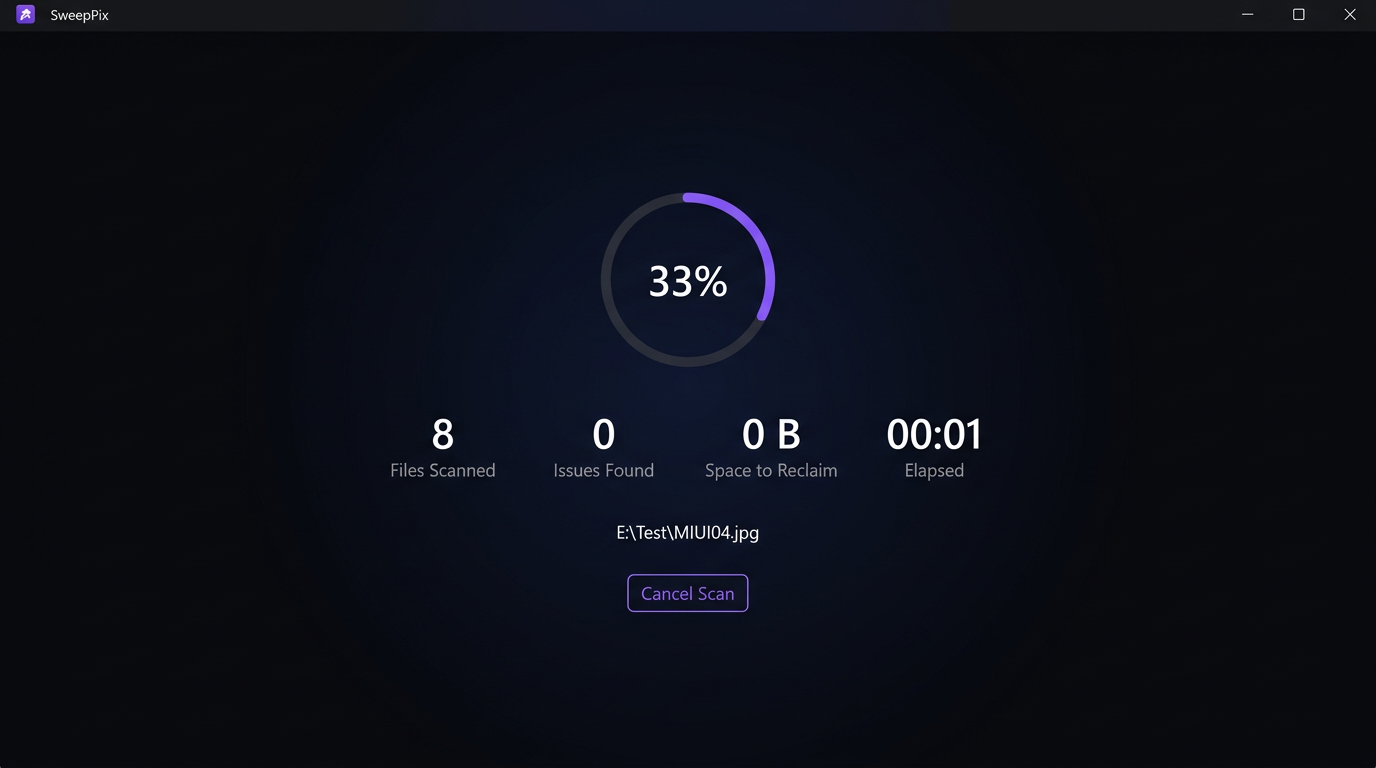
SweepPix scan-progress screen with file count and reclaimable space

Track Your Scan in Real Time

Watch the scan progress as SweepPix analyzes your photos and identifies the files that may be safe to remove.

  • See the number of files scanned at a glance
  • Monitor detected issues and reclaimable space
  • Cancel a scan whenever you need to

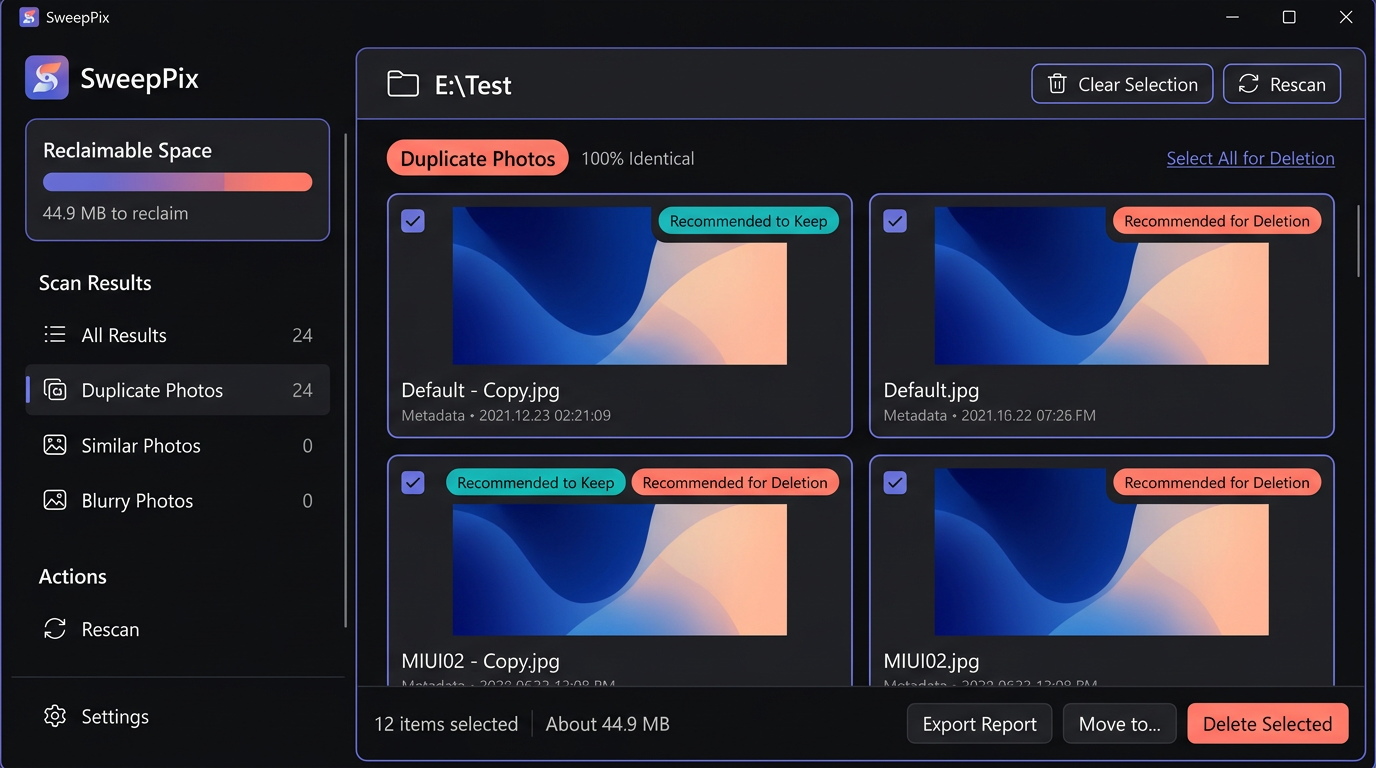
Review Your Results with Ease

Filter your results by duplicate, similar, or blurry photos. Select the images you want to remove and instantly see how much disk space you can free up.

  • Filter photos by duplicate, similar, or blurry results
  • Select the images you want to remove
  • See the disk space you can free up before deleting
SweepPix results screen with grouped duplicate and similar photos
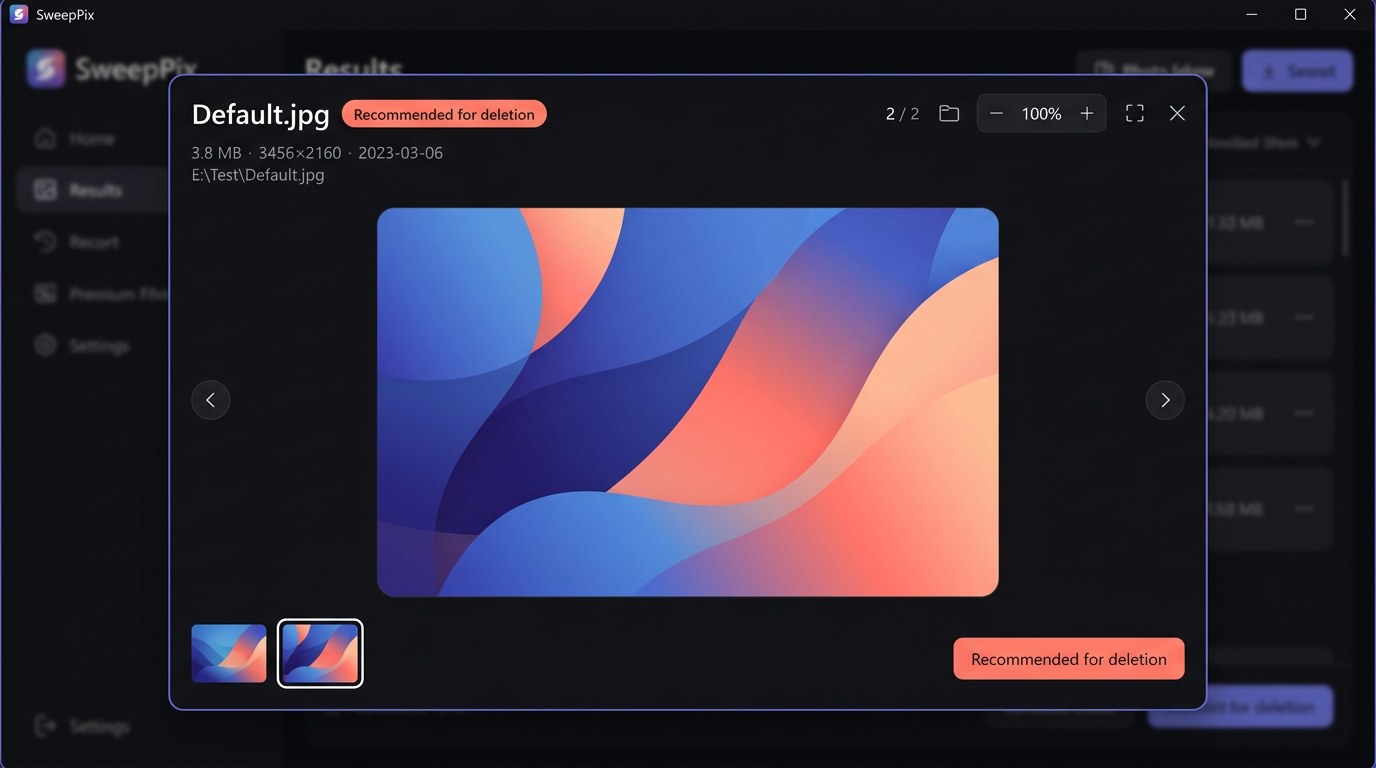
SweepPix full-screen photo preview with image details and thumbnail navigation

Preview Before You Delete

View your photos in full screen and check important details such as file name, file size, resolution, and modification date before making a decision.

  • Use your keyboard to quickly move through photos
  • Compare images in the same group
  • Review photo details before deleting

Clean Up Your Photos in Three Simple Steps

No complicated setup. No unnecessary steps.

1

Choose Your Folders

Select the folders you want SweepPix to scan. Subfolders can also be included automatically.

2

Scan and Analyze

SweepPix analyzes your photos and detects duplicate, similar, and blurry images. You can monitor the scanning progress in real time.

3

Review and Clean Up

Review the results, choose the photos you no longer need, and remove them with confidence. SweepPix asks for confirmation before deleting anything.

Why Choose SweepPix?

Powerful photo cleanup technology without complicated tools, cloud uploads, or privacy concerns.

64-Bit

Perceptual Image Analysis

SweepPix uses 64-bit perceptual hashing to analyze the visual content of your photos. Instead of relying only on file names or file sizes, it compares image characteristics to help identify duplicate and visually similar photos.

Local

Your Photos Stay on Your Computer

All photo analysis happens locally on your PC. Your photos are never uploaded to our servers.

Offline

No Internet Connection Required

SweepPix works without cloud APIs or online services. You can scan and clean up your photos even when you're offline.

Your Privacy Matters

SweepPix is built with privacy in mind. Your photos are processed locally on your computer and are not uploaded for analysis.

No cloud storage. No unnecessary accounts. No access to your personal photo library.

Start Cleaning Up Your Photos Today

Download SweepPix for free and take control of your photo library. Find duplicate, similar, and blurry photos in just a few clicks.

Compatible with Windows 10 and Windows 11 Works offline Local processing Free to use
Need help? Contact us: vcode0011@outlook.com

Frequently Asked Questions

Is SweepPix free?
Yes. SweepPix is currently free to use, with no usage limits or hidden subscription requirements.
Will my photos be uploaded to your servers?
No. SweepPix processes your photos locally on your computer. Your photos are not uploaded to our servers for analysis.
What photo formats does SweepPix support?
SweepPix supports popular image formats including JPEG, PNG, GIF, WebP, BMP, TIFF, HEIC/HEIF, and AVIF. It also supports a variety of camera RAW formats.
Can I recover photos after deleting them?
SweepPix asks you to confirm before deleting photos. After you confirm, deleted photos are moved to the Recycle Bin, so you can restore them if needed.
Does SweepPix support macOS or Linux?
SweepPix currently supports Windows 10 and Windows 11. Support for other platforms may be considered in future versions.
Will scanning a large photo library be slow?
Scanning speed depends on the number, size, and format of your photos, as well as your computer's hardware. SweepPix is optimized to efficiently process large photo collections.